Stick Running — Classic Side-Scrolling Jump, Double-Jump & Roll Runner
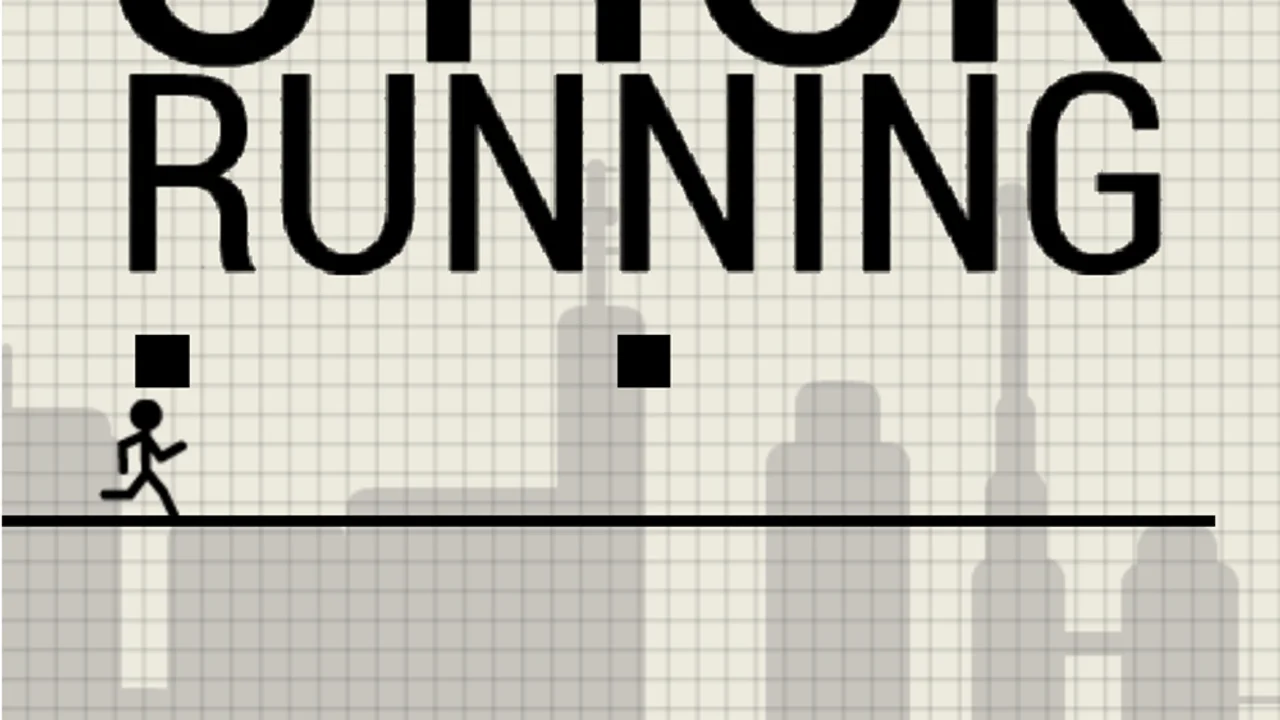
Stick Running is a fast-paced 2D HTML5 endless runner created by Maximiliano Demonte's indie studio QKY Games and originally released in October 2017. To keep expectations crystal clear, Stick Running is an independent HTML5 creation by QKY Games rather than Manuel Otto's 2010 Flash game Stick Run—there is no XP progression, coin shop, or multiplayer item trading here. What you get instead is arguably the closest pure mechanical tribute on the web: automatic side-scrolling sprints, crisp double jumps, low rolls, crates, spinning saw blades, and incoming missiles.
What Is Stick Running by QKY Games?
Built around QKY Games' motto—takes a second to learn, a lifetime to master—Stick Running drops your stickman onto a randomly generated horizontal track where survival depends entirely on reading hazard heights in real time. The moment a round starts, your runner charges rightward automatically. Clipping the front edge of any wooden crate, stepped floor ledge, missile, or saw blade ends the attempt on contact and displays both your current run score and your all-time best record on the results card.
- Independent HTML5 Tribute: Crafted by QKY Games (Maximiliano Demonte) as a standalone browser runner separate from Manuel Otto's 2010 original.
- Procedural Side-Scrolling Track: Every attempt in Stick Running shuffles crate layouts, elevation shifts, missiles, and saw blades so no two runs feel scripted.
- Full Jump, Double-Jump & Roll Kit: Combine single hops, high double jumps, and compact rolls to thread tight hazard gaps.
- Desktop & Split-Screen Touch Support: Play effortlessly with Up/Down Arrow keys on PC or left/right half-screen taps on phones and tablets.
Deadly Obstacles: Crates, Floor Steps, Missiles & Saw Blades
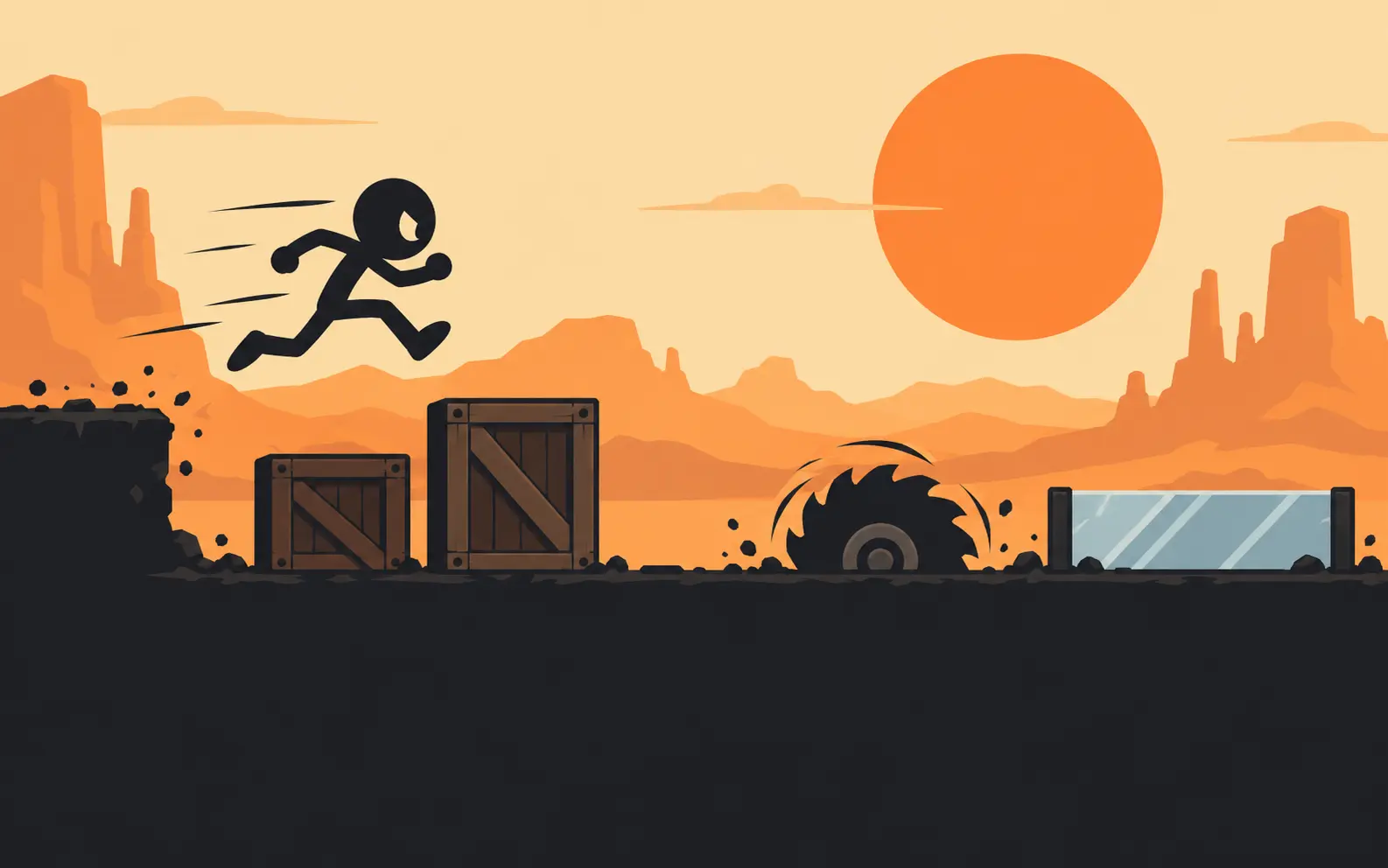
Four distinct hazard families keep your hands busy throughout Stick Running, and the real danger comes from how procedural generation pairs them together. Wooden crates appear both solo and stacked in varied patterns that test whether a quick single hop or a full double jump is safer. Uneven floor elevations raise or drop the running surface mid-stride, punishing late jumps that graze a ledge wall. Meanwhile, spinning saw blades and high-velocity missiles force split-second judgment between vaulting over the top or tucking into a low roll underneath.
- Single & Stacked Crates: Varied crate arrangements in Stick Running that demand clean takeoff distance so your feet clear the top corner.
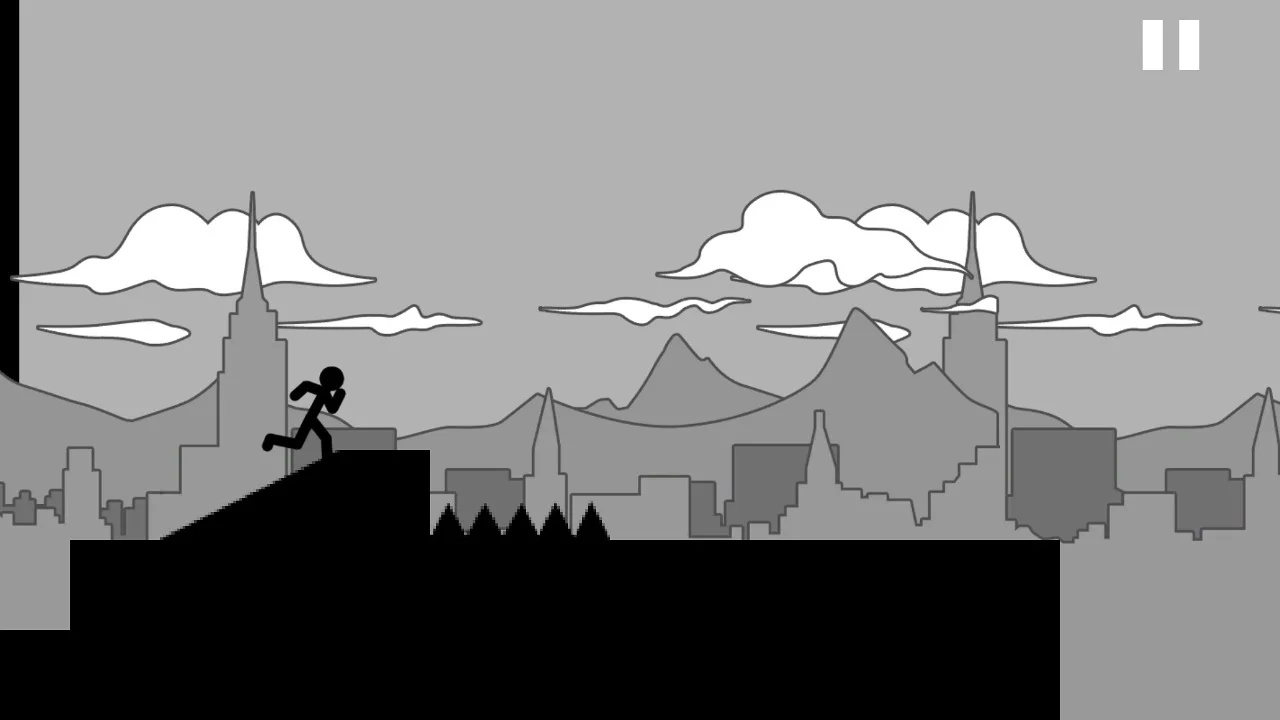
- Shifting Floor Levels: Stepped platforms where hitting the vertical face counts as an instant crash—always jump before the elevation rises.
- Powerful Incoming Missiles: Horizontal projectiles screaming across the lane at varying heights; judge quickly whether to leap over or roll beneath.
- Rotating Saw Blades: Signature buzzsaws mounted along the course in Stick Running that punish mistimed landings and greedy early jumps.
Controls & High-Score Survival Tactics
Whether you play on a laptop keyboard or a mobile touchscreen, Stick Running maps every move to two intuitive directional inputs with zero clutter.
Desktop Keyboard & Mobile Touch Controls
On desktop browsers, press the Up Arrow key once to jump, press Up Arrow twice in midair to perform a double jump, and press the Down Arrow key to roll. On mobile and tablet touchscreens, Stick Running splits the display cleanly in half: tap the right side of the screen to jump (tap twice on the right side to double jump) and tap the left side of the screen to roll.
Mastering Missiles & Elevation Transitions
Save your second midair jump in Stick Running as an insurance policy rather than burning it immediately off the ground. If you leap over a crate stack and spot a rotating saw blade or floor step waiting at your landing spot, triggering a delayed double jump carries you safely past the trap. Against incoming missiles, watch their vertical alignment relative to your runner's head—high missiles invite an easy Down Arrow roll that keeps your feet planted for the next crate.
Browser Compatibility & Smooth Gameplay Tips
Constructed in lightweight HTML5 at a classic 3:2 arcade aspect ratio, Stick Running maintains crisp hitboxes and steady frame pacing across Chrome, Edge, Firefox, and Safari.
Keeping Keyboard Focus Locked
After launching Stick Running inside our stage window, click once on the game canvas—or hit the Focus button in the top titlebar—so Up and Down Arrow presses control your stickman cleanly without scrolling the webpage.
Quick Session Practice Loop
Because Stick Running skips heavy menus, stamina timers, and slow upgrade grind, restarting after a crash takes less than a second, making it ideal for sharpening raw reaction speed. Treat your opening three runs as a warm-up to read missile travel velocity and crate spacing before chasing a marathon personal best across Chromebook, desktop, or phone screens.
Frequently Asked Questions
Is Stick Running the original 2010 Stick Run?
No. Stick Running is a standalone 2017 HTML5 endless runner created by QKY Games (Maximiliano Demonte). Unlike Manuel Otto's 2010 Flash game on our homepage, Stick Running focuses purely on single-player high-score survival with missiles, crates, floor steps, and saw blades.
How do you double jump and roll in Stick Running?
On a keyboard, press Up Arrow twice to double jump and press Down Arrow to roll. On a touchscreen, double-tap the right half of the screen to double jump and tap the left half to roll in Stick Running.
Does Stick Running save your best score?
Yes. At the end of every round, Stick Running displays both your latest run score and your personal best score locally inside your current browser session.
Can I play Stick Running free without installing Flash?
Yes. Stick Running was built natively in HTML5, so it runs directly inside modern desktop, Chromebook, and mobile browsers with zero plugins, accounts, or file downloads required.