Sky Stick — 3D Floating Skyway Obstacle Racing & Color Pad Mastery
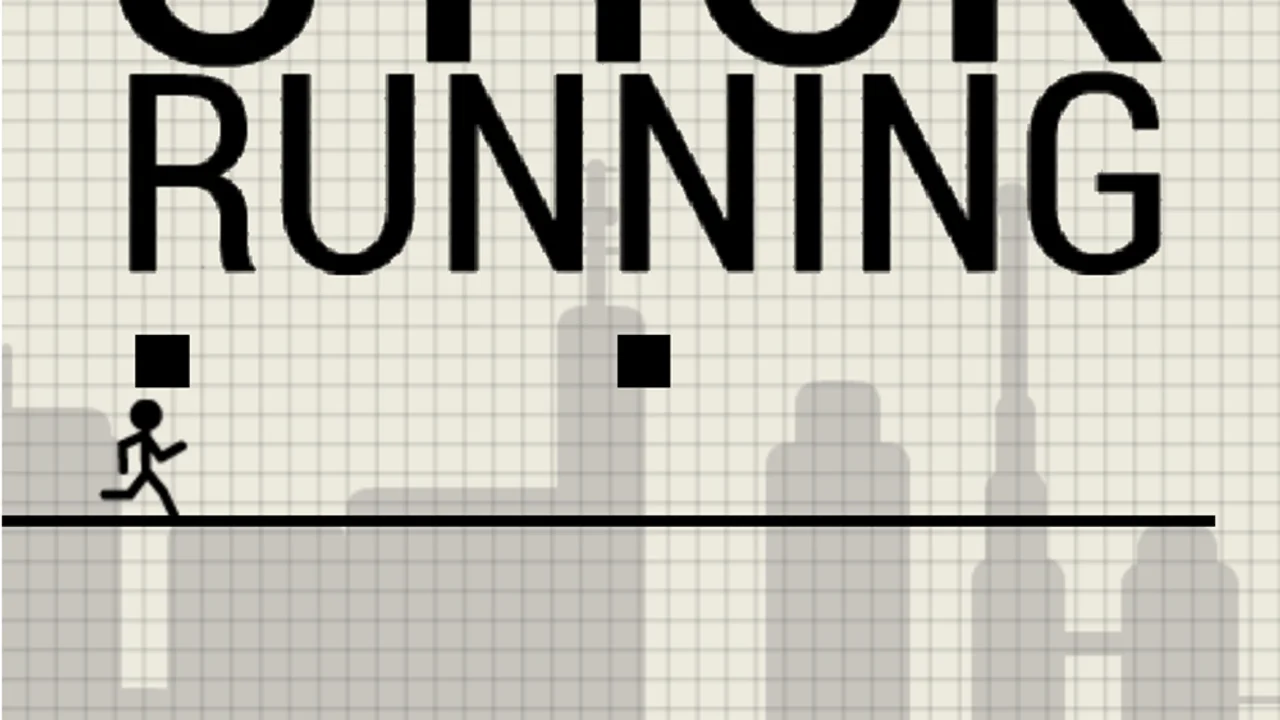
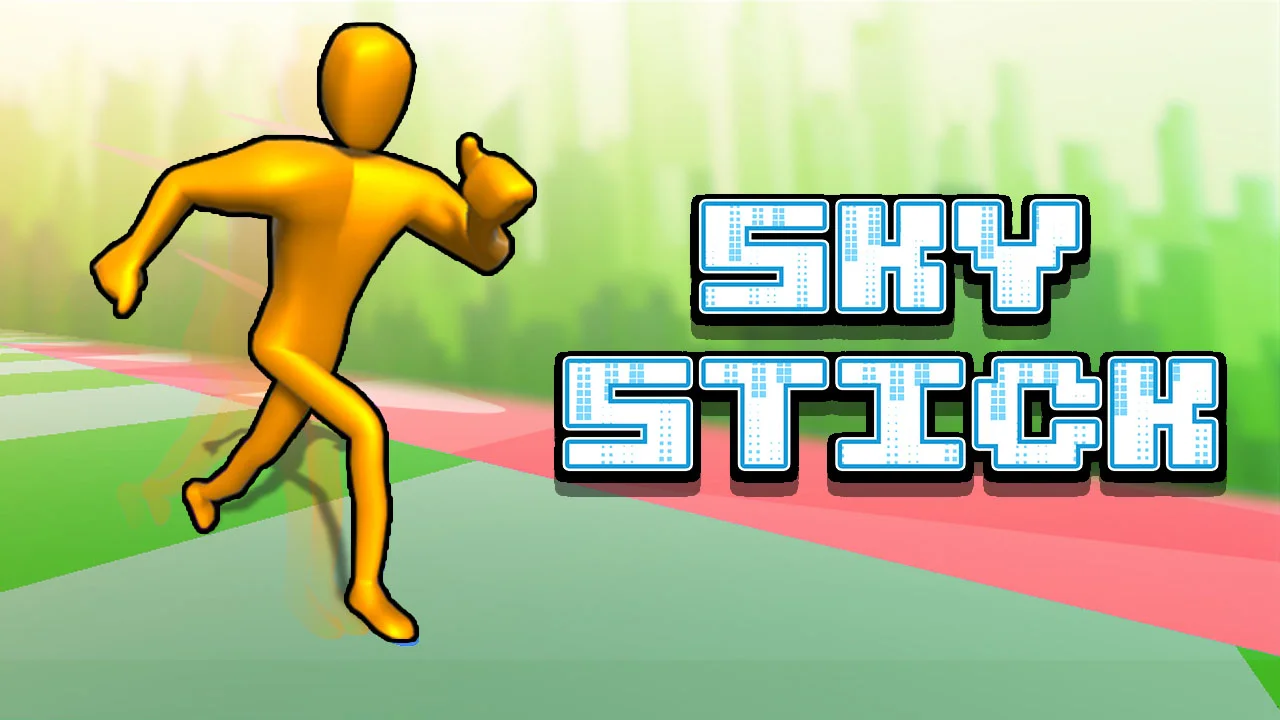
Sky Stick is a vibrant 3D WebGL obstacle-track runner developed by Hihoy and released for web browsers in March 2022. While most classics in our collection view stickman sprinting from a flat 2D side angle—including Manuel Otto's 2010 original Stick Run on our homepage—Sky Stick shifts the camera right behind a cel-shaded 3D runner charging down suspended tracks high above a hazy city skyline. Instead of memorizing slide-and-roll button combos, your job is pure lane discipline: weave around physical barriers, leap across broken skyway chasms, chain green speed boosters and blue bounce pads, and steer clear of momentum-killing red zones all the way to the finish banner.
What Makes Hihoy's Sky Stick Refreshingly Different?
Switching from 2D side-scrolling to a 3D behind-the-back perspective completely transforms how you read incoming danger in Sky Stick. Rather than reacting only to obstacle height, you constantly manage lateral positioning across the width of a guardrailless aerial highway. Every stage acts as a brisk, self-contained obstacle sprint where clipping a barrier stalls your stride and drifting off the side—or mistiming a broken bridge—sends your golden 3D runner tumbling toward the metropolis far below.
- Standalone 3D Hihoy Release: Built natively in 3D WebGL as an independent course-based runner separate from Manuel Otto's 2D 2010 classic.
- Color-Coded Track Tiles: Read the floor instantly in Sky Stick—green tiles turbo-charge speed, red tiles sap momentum, and blue pads catapult you skyward.
- Guardrailless Skyway Tension: Narrow bridges, sudden splits, and open gaps reward calm lateral steering over frantic button mashing.
- Clean Three-Key Controls: Play effortlessly with Left, Right, and Up Arrow keys on PC or intuitive touch steering on mobile browsers.
Mastering Color Tiles: Green Boosts, Red Drag Zones & Blue Bounce Pads
The floating track surface itself is both your biggest ally and your subtlest trap throughout Sky Stick. Course designers deliberately alternate green, red, and blue floor panels directly in front of physical walls and wide sky chasms so your current ground speed dictates whether your next jump lands safely or falls short in midair.
- Green Speed-Boost Panels: Bright green floor strips in Sky Stick surge your forward velocity, helping you clear long gaps and shave seconds off each stage.
- Red Slow-Down Strips: Crimson hazard panels that abruptly drag your running speed down—hitting one right before a wide jump can leave you short of the far ledge.
- Blue Spring Bounce Pads: Elastic blue zones embedded in the skyway that launch your stickman high over tall barricades and missing road segments.
- Track Barriers & Open Chasms: Solid blocks and vanished floor slabs across Sky Stick that punish late lane changes after a high-speed green boost.
Controls & 3D Lane-Positioning Tactics
Rendered in a crisp 16:9 widescreen viewport (800x450 base scaling smoothly to full desktop monitors), Sky Stick keeps inputs intentionally streamlined so your focus stays downrange.
Official Keyboard & Touch Controls
On desktop keyboards, press Left Arrow to steer left, press Right Arrow to steer right, and press Up Arrow to jump. Unlike 2D parkour titles, Sky Stick includes no crouch, slide, or roll key—every obstacle on the track is engineered to be bypassed laterally or vaulted with Up Arrow and blue bounce pads. On Android and mobile touchscreens, swipe or tap on-screen controls to steer and leap.
Setting Up Angles Before Hitting Green Boosters
Because green tiles in Sky Stick multiply your forward speed instantly, steering AFTER you touch a boost pad gives you half the usual time to dodge a wall. Line up your stickman with a clear lane—or aim directly toward an upcoming blue bounce pad—a split second before stepping onto the green panel so the speed burst carries you cleanly down an unobstructed corridor.
Smooth 3D WebGL Performance in Modern Browsers
Even with full 3D cel-shaded character animation and depth-of-field skyline backgrounds, Sky Stick stays lightweight enough to maintain fluid frame rates on everyday laptops and Chromebooks.
Keeping Arrow Keys Locked & Hardware Acceleration Active
Click once inside the game viewport after launching Sky Stick—or click the Focus button on our stage bar—so Left, Right, and Up Arrow inputs steer your 3D stickman cleanly without nudging the browser scrollbar. Ensure hardware acceleration is active in Chrome, Edge, Firefox, or Safari settings so WebGL renders smooth 60 FPS lane transitions.
Widescreen Fullscreen Advantage
Expanding Sky Stick into Fullscreen mode widens your horizon view down the floating highway, making distant red slow strips and split-lane gaps noticeably easier to spot ahead of time.
Frequently Asked Questions
How does Sky Stick differ from the original Stick Run?
Stick Run is a 2D side-scrolling endless Flash classic by Manuel Otto, whereas Sky Stick is a 2022 3D behind-the-back WebGL obstacle-course runner developed by Hihoy featuring lane steering and color-coded speed and bounce pads.
What do the green, red, and blue floor panels do in Sky Stick?
In Sky Stick, green panels boost your running speed, red panels slow your character down, and blue panels bounce your stickman high into the air over gaps and barriers.
Is there a slide or roll button in Sky Stick?
No. Sky Stick uses only three core actions—Left Arrow to move left, Right Arrow to move right, and Up Arrow to jump—so positioning across lanes and hitting blue bounce pads handles every obstacle.
Can I play Sky Stick free without installing anything?
Yes. Sky Stick runs directly inside modern desktop, Chromebook, and Android web browsers 100% free with zero downloads, plugins, or account sign-ups required.